YOUR FIRST VIDEO STARTS HERE
You have an idea.
Let’s make it
watchable.
Start Your YouTube Channel is a visual guide for complete beginners. Plan a useful video, make it clear, and learn from the next one.
One-time purchase · PDF + planning kit · Instant Gumroad download
MORE MAKING.
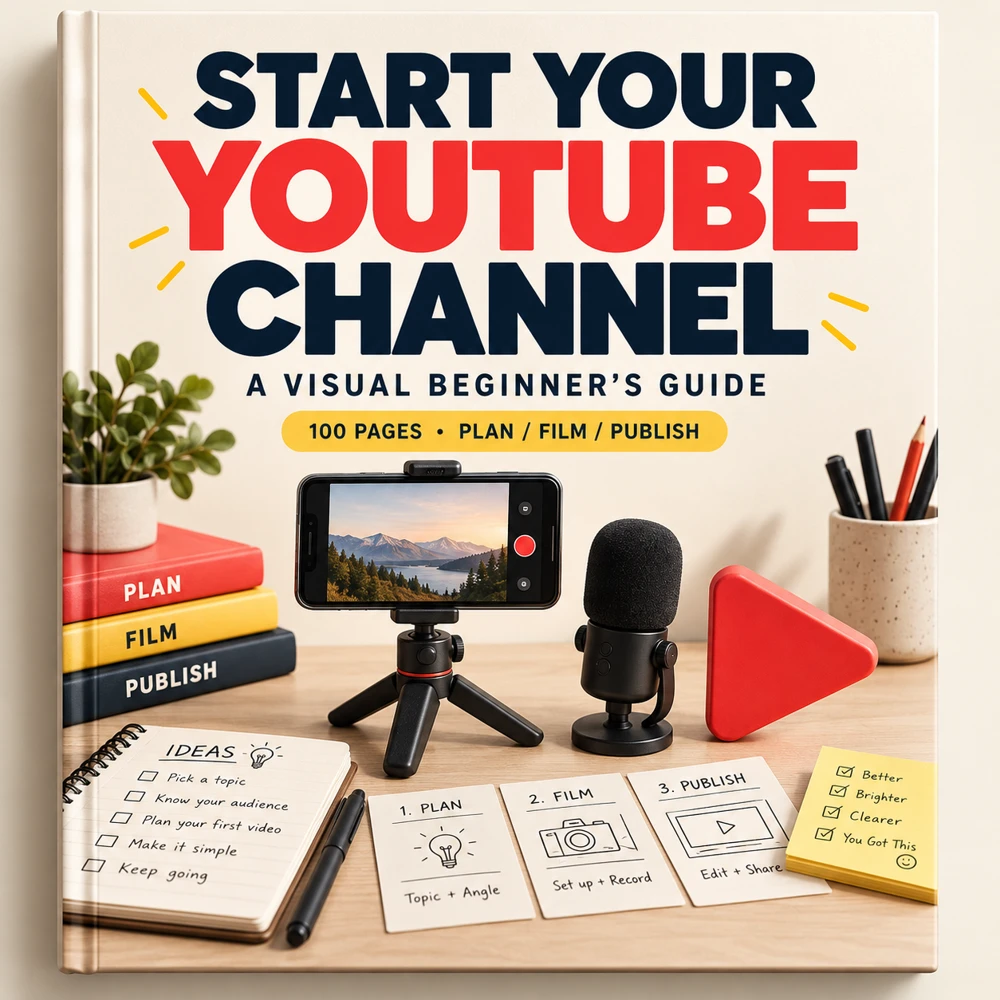
START SMALL. MAKE IT USEFUL.
Your first setup
can be simple.
A clear question, a stable phone, understandable sound, and a plan for what to show. Start with the tools you have, then improve the part that actually needs work.
The guide follows a fictional beginner creator from a channel idea to a reviewed upload. Transfer the same process to tutorials, demonstrations, or your own original stories.
Illustrative AI-generated setup image. The book includes original diagrams and annotated visual examples, rather than official interface screenshots.
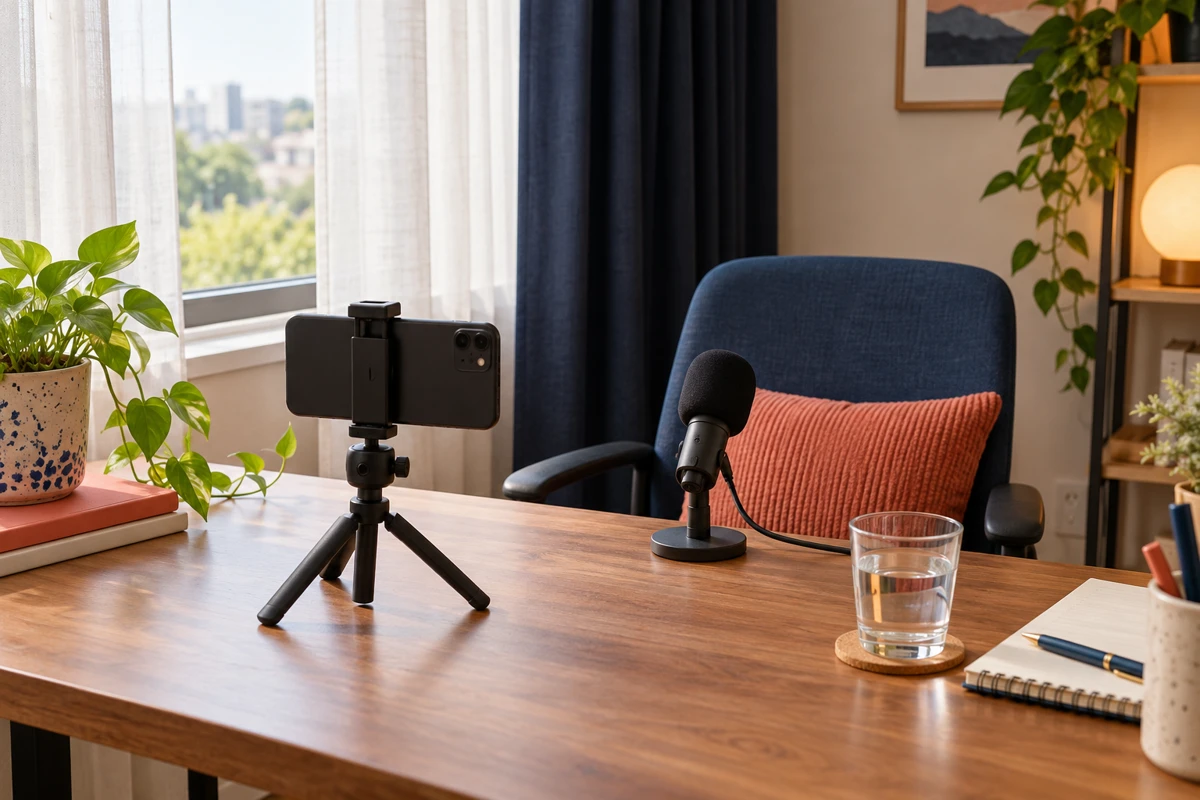
YES, THERE ARE PICTURES INSIDE.
See the idea.
Then try it.
Every page includes a visual element: illustrations, teaching diagrams, example layouts, or planning canvases. Read a lesson, follow the example, and put it to work on your channel.
Turn words
into a shot plan.
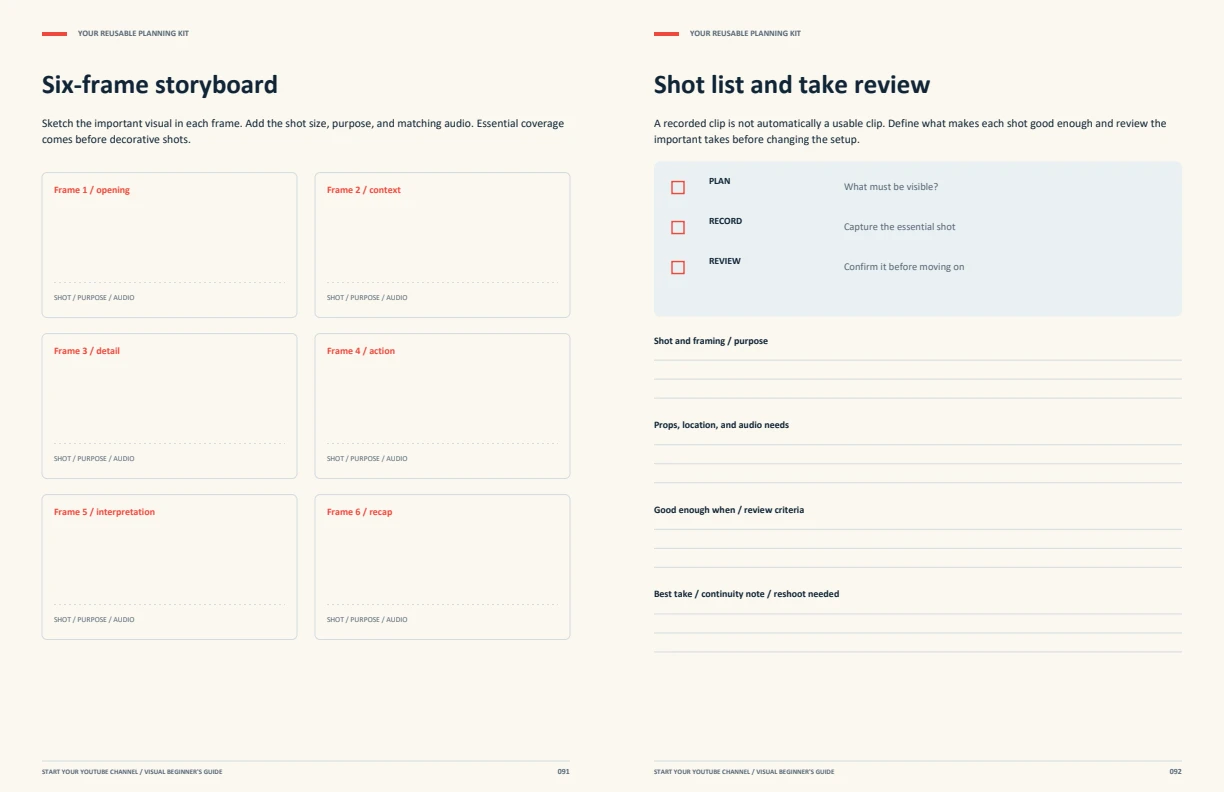
Learn what belongs in a storyboard, see a worked example, and plan the footage your explanation needs.
Open the free 12-page sample ↗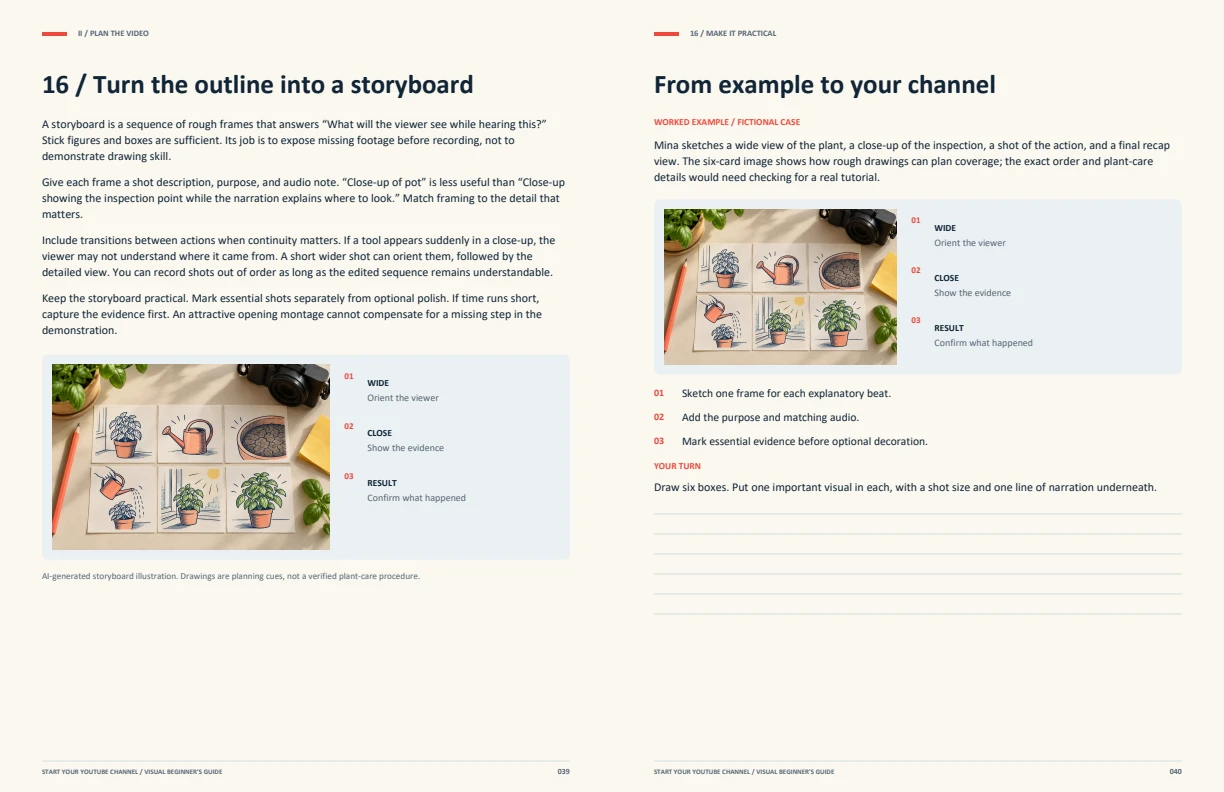
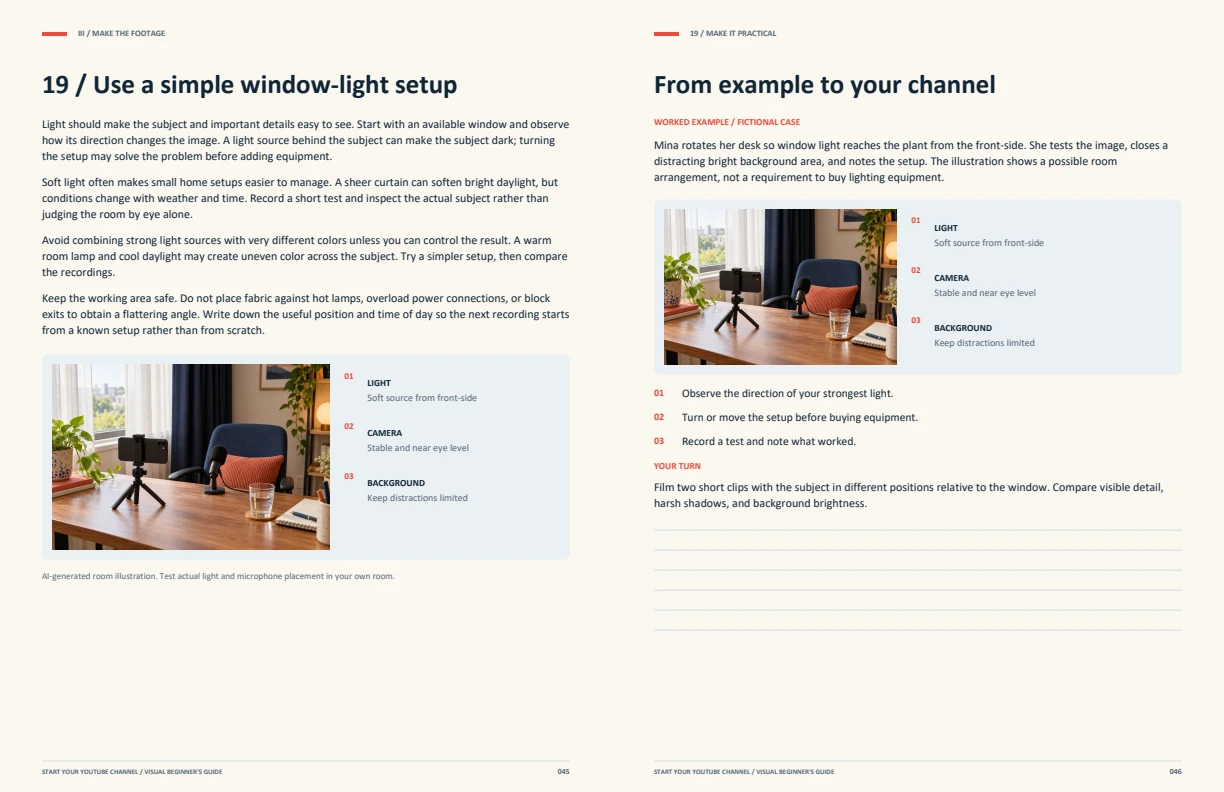
FROM “MAYBE SOMEDAY” TO A FINISHED VIDEO
A practical path.
One step at a time.
40 two-page lessons across five parts. Each one combines an explanation, visual model, fictional worked example, action steps, and an exercise.
01Find your focusLessons 01–08 · pp. 9–24+
- Choose a reason you can sustain
- Describe one viewer, one situation
- Find a narrow, repeatable channel promise
- Build three content pillars
- Research without copying a channel
- Choose a format you can finish
- Set a time and equipment boundary
- Create the channel and secure access
02Plan the videoLessons 09–16 · pp. 25–40+
- Make the channel page easy to understand
- Build an idea bank from real questions
- Write a one-video brief
- Draft a title-thumbnail pair early
- Open with the problem and a reason to stay
- Outline a beginning, middle, and payoff
- Write for a human voice
- Turn the outline into a storyboard
03Make the footageLessons 17–24 · pp. 41–56+
- Make a shot list and a recording order
- Set up a phone camera clearly
- Use a simple window-light setup
- Make speech easy to hear
- Frame the subject and control the background
- Record takes that are easy to edit
- Organize files before opening the editor
- Build the rough cut around the promise
04Edit and publishLessons 25–32 · pp. 57–72+
- Edit sound before adding decoration
- Add captions and readable explanations
- Design a thumbnail with one visual idea
- Write the title and description truthfully
- Upload with an intentional review pass
- Review audience, rights, and AI disclosures
- Plan a realistic first month
- Share where the video is useful
05Learn and continueLessons 33–40 · pp. 73–88+
- Read analytics as clues, not verdicts
- Understand impressions and click-through rate
- Use retention to investigate a moment
- Make one useful experiment at a time
- Build useful community habits
- Use Shorts and repurposing deliberately
- Treat monetization as a later system
- Review the first three videos and continue
YOUR REUSABLE STARTER KIT
Don’t just highlight it.
Make something.
Turn the lessons into your first production folder. The complete download includes the 100-page book and practical files you can adapt.
- Illustrated PDF + Markdown text edition
- 10 printable planning pages extracted from the book
- Editable video brief and script templates
- CSV idea bank, shot list, launch calendar, and review log
- Official YouTube Help resource directory
Who is it for?
What will they understand?
What will you show?
GET THE COMPLETE EDITION
A small first step.
A clearer way
to begin.
For global beginners who want a practical process for planning, filming, editing, publishing, and improving their first videos.
An independent guide, not affiliated with or endorsed by YouTube or Google. No promises of views, subscribers, monetization, or income.
100-PAGE VISUAL GUIDE + PLANNING KIT
$10USD
Pay once. Download.
Build at your own pace.
Secure checkout and file delivery through Gumroad.
Applicable taxes may be added at checkout.
A FEW THINGS TO KNOW
Before you press record.
Do I need expensive gear?
No particular equipment purchase is required by the guide. It starts with testing the recording tools you already have, a stable setup, available light, and clear sound. Upgrade decisions follow an actual problem you can identify.
What does the 100-page count include?
Eight opening pages, forty two-page lessons, and twelve planning and reference pages. Visuals, examples, exercises, and writing space are part of the format. The separate 10-page planning PDF repeats selected pages for convenient printing.
Are the illustrations real channel screenshots?
No. Photographic-style images are AI-generated illustrations, and diagrams are original teaching graphics. The creator, channel, time budgets, and analytics examples are fictional. Illustrative charts are clearly labeled and are not growth benchmarks.
Does it cover the current YouTube settings?
The November 2026 edition links to official guidance checked during preparation. Screens, eligibility, features, and policies can change. The guide teaches the review decisions and points you to current resources rather than claiming every account has the same interface.
Will it guarantee growth or monetization?
No. It provides a practical production and learning process. Results depend on many factors. Monetization is covered as a later consideration, with links to current official eligibility guidance.
What can I do with the templates?
You can adapt the supplied planning templates for your own channel and production work. Purchase does not grant resale or redistribution rights to the ebook or complete bundle.